Watch list
The watch list is empty.
Passwort vergessen
Wir senden einen Link an diese E-Mail-Adresse, wenn sie mit einem bestehenden inomed Konto übereinstimmt.
Registrieren
Durch klicken auf "Account erstellen" stimmen Sie der Nutzervereinbarung, der Datenschutzrichtlinie und der Cookie-Richtlinie von inomed zu.
Select location and language
Change
CareerService & supportContact
English (us) (us)
inomed Medizintechnik GmbH
NeuroExplorerThe intuitive NeuroExplorer software offers a host of user-friendly functions and is quick to master in the often stressful operating room environment. The NeuroExplorer software is available with all IOM systems (inomed Xpert, inomed Xpert plus and inomed Xpress) and offers high flexibility through individual expansions.
NeuroExplorer
NeuroExplorerThe intuitive NeuroExplorer software offers a host of user-friendly functions and is quick to master in the often stressful operating room environment. The NeuroExplorer software is available with all IOM systems (inomed Xpert, inomed Xpert plus and inomed Xpress) and offers high flexibility through individual expansions.

The new generation of the proven NeuroExplorer software meets the requirements for sophisticated monitoring while setting new standards in terms of user-friendliness. NeuroExplorer 8* offers new monitoring options, such as the workflow scheduler, and ensures seamless documentation with an extended timeline and report function.

Software modules
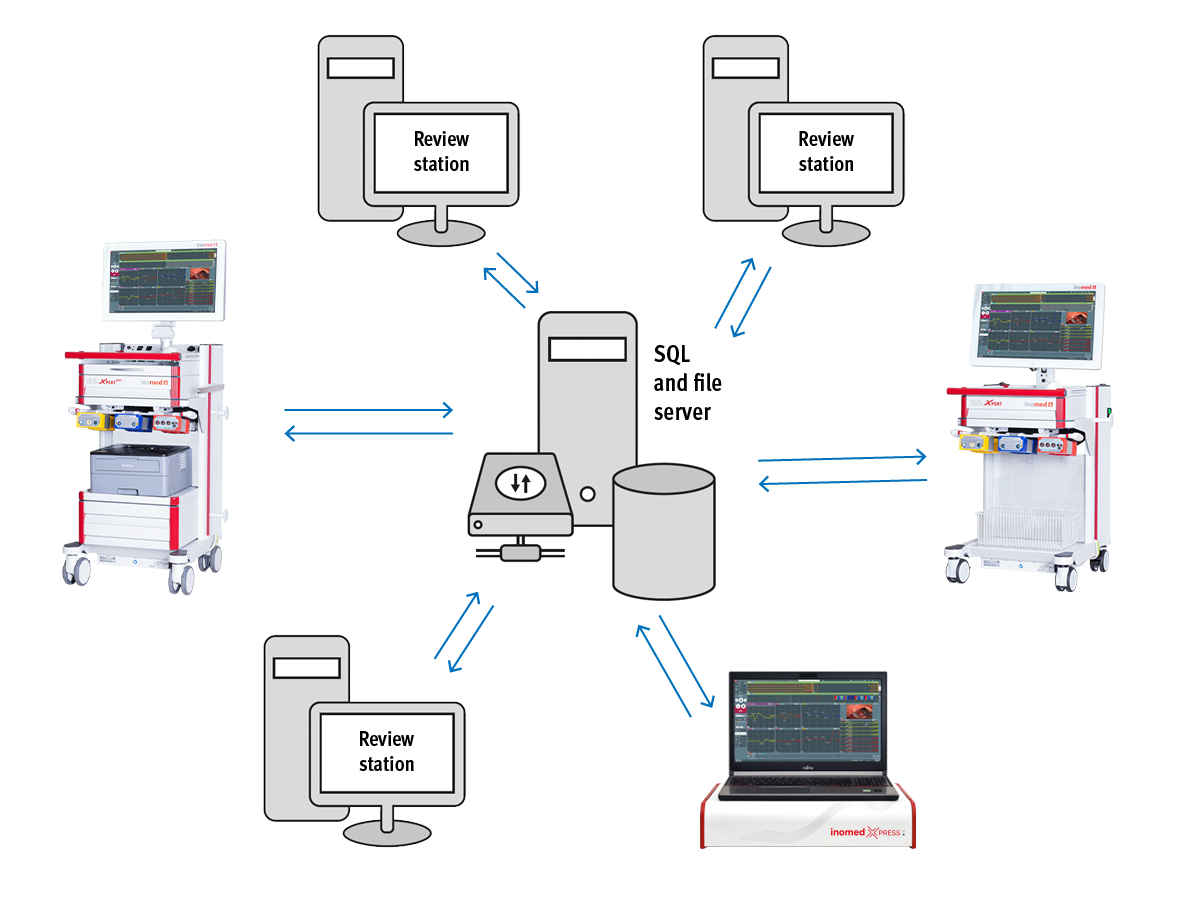
Software DataSync
Item no.: 504400Software DataSyncFor storing and accessing neuro­monitoring data from multiple systems via a central server
Available
Add to watch list
Software Screen2Video
Item no.: 504415Software Screen2VideoFor recording a desktop video of the NeuroExplorer application, e.g. for documentation and training purposes
Available
Add to watch list
Software Multi-channel Video
Item no.: 504418Software Multi-channel VideoFor displaying up to four video sources on the measurement screen, including recording function
Available
Add to watch list
Software Scalp-EEG
Item no.: 504423Software Scalp-EEGFor recording an electroencephalogram (EEG) and local field potential (LFP) as a raw signal and spectral analysis (CSA/DSA) for software version 8
Available
Add to watch list
Analysis Software
Item no.: 504401Analysis SoftwareFor viewing and analyzing neuro­physio­logical measurements on a PC
Available
Add to watch list
Software EMG
Item no.: 504402Software EMGFor recording free-running and triggered elecromyography measurements (EMG)
Available
Add to watch list
Software Channel Select
Item no.: 504403Software Channel SelectFor selecting the best EMG signal when using the ALM Tube or Laryngeal Electrode Select
Available
Add to watch list
Software AEP
Item no.: 504404Software AEPFor recording auditory evoked potentials (AEP)
Available
Add to watch list
Software SEP
Item no.: 504406Software SEPFor recording somatosensory evoked potentials (SEP)
Available
Add to watch list
Software MEP
Item no.: 504408Software MEPFor recording motor evoked potentials (MEP)
Available
Add to watch list
Software Spine
Item no.: 504409Software SpineFor automated pedicle stimulation using triggered EMG
Available
Add to watch list
Software VEP
Item no.: 504410Software VEPFor recording visual evoked potentials (VEP)
Available
Add to watch list
Software EEG
Item no.: 504414Software EEGFor recording an electroencephalogram (EEG) or an electrocorticogram (ECoG), for software version 6 and 7
Available
Add to watch list
Software TOF
Item no.: 504407Software TOFFor performing an automated train-of-four measurement for muscle relaxation measurement
Available
Add to watch list
Software ECoG
Item no.: 504424Software ECoGFor recording an electroencephalogram (EEG) or an electrocorticogram (ECoG)
Available
Add to watch list

NeuroExplorer 8: Flexibility on another
level – IONM for everyone

New graphical features, quick layout customizations and a look adapted to the hardware ensure effortless monitoring.

Product features

Flexible views and adjustments for measurement screens
Quick layout adjustments
Add and delete modality windows directly from the measurement screen, or reorganize them via drag and drop. Create up to 6 desktops with different overviews or implement different views within one measurement window.
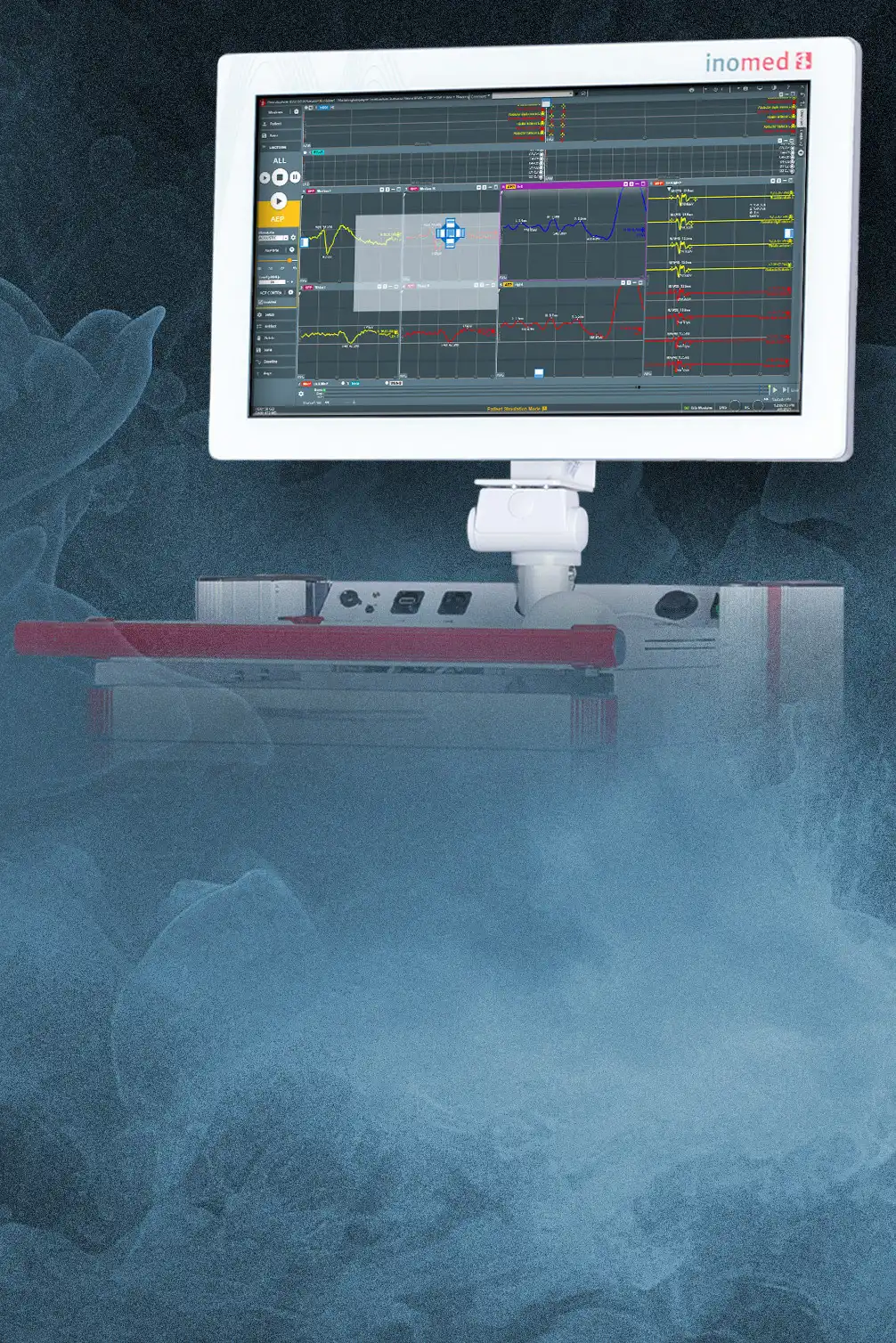
Customize the layout of measurement windows to your needs and create different desktops.
Intuitive operation
Intuitive operation
Preinstalled measurement scenarios
Use a preinstalled scenario or create one from scratch and rapidly add windows or electrodes on the fly and move them via drag and drop. Use the parking area for electrodes that are currently not needed or delete them easily.
Over 40 preinstalled scenarios and window templates, always ready for use and customizable for every application.
Save time – gain security
Atlas function
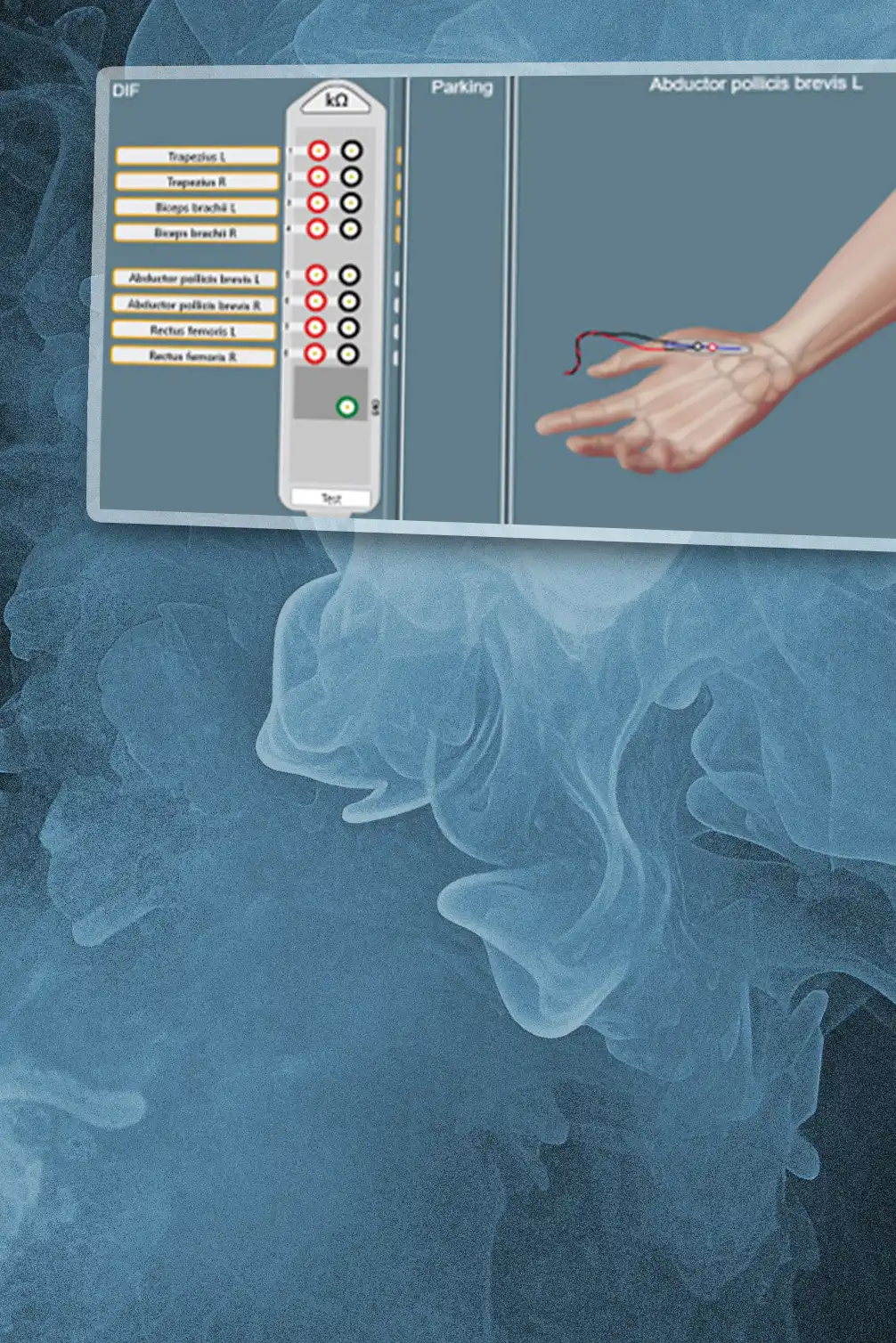
The visualization of the electrode placement not only saves a considerable amount of time, but also enables an improvement in signal quality due to the precise positioning of the electrodes. This helps to minimize errors and optimizes the accuracy of the measurements.
The Atlas function enables precise electrode placement by providing a visual representation of the exact electrode position.
High signal quality
High signal quality
Stimulation artifact suppression
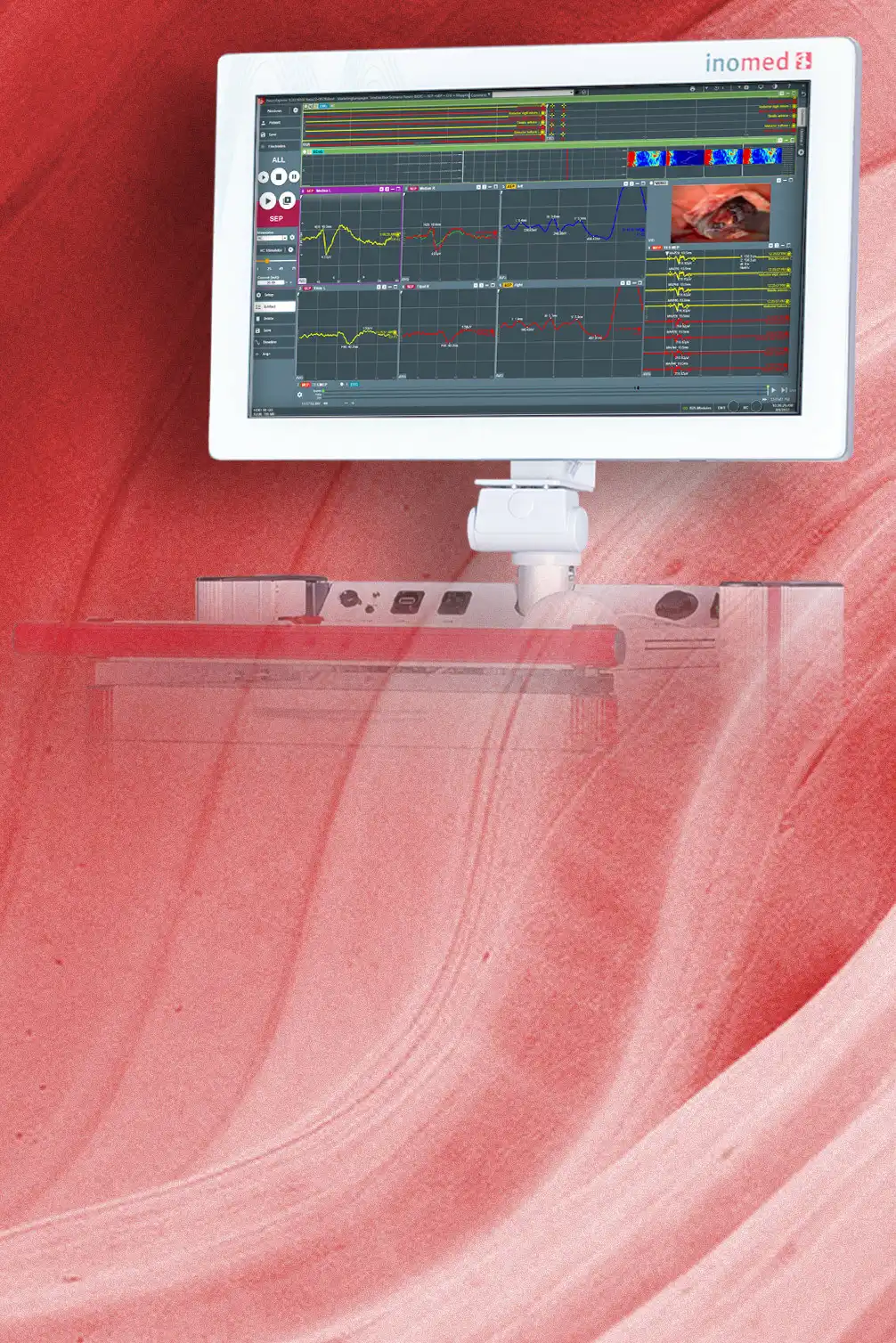
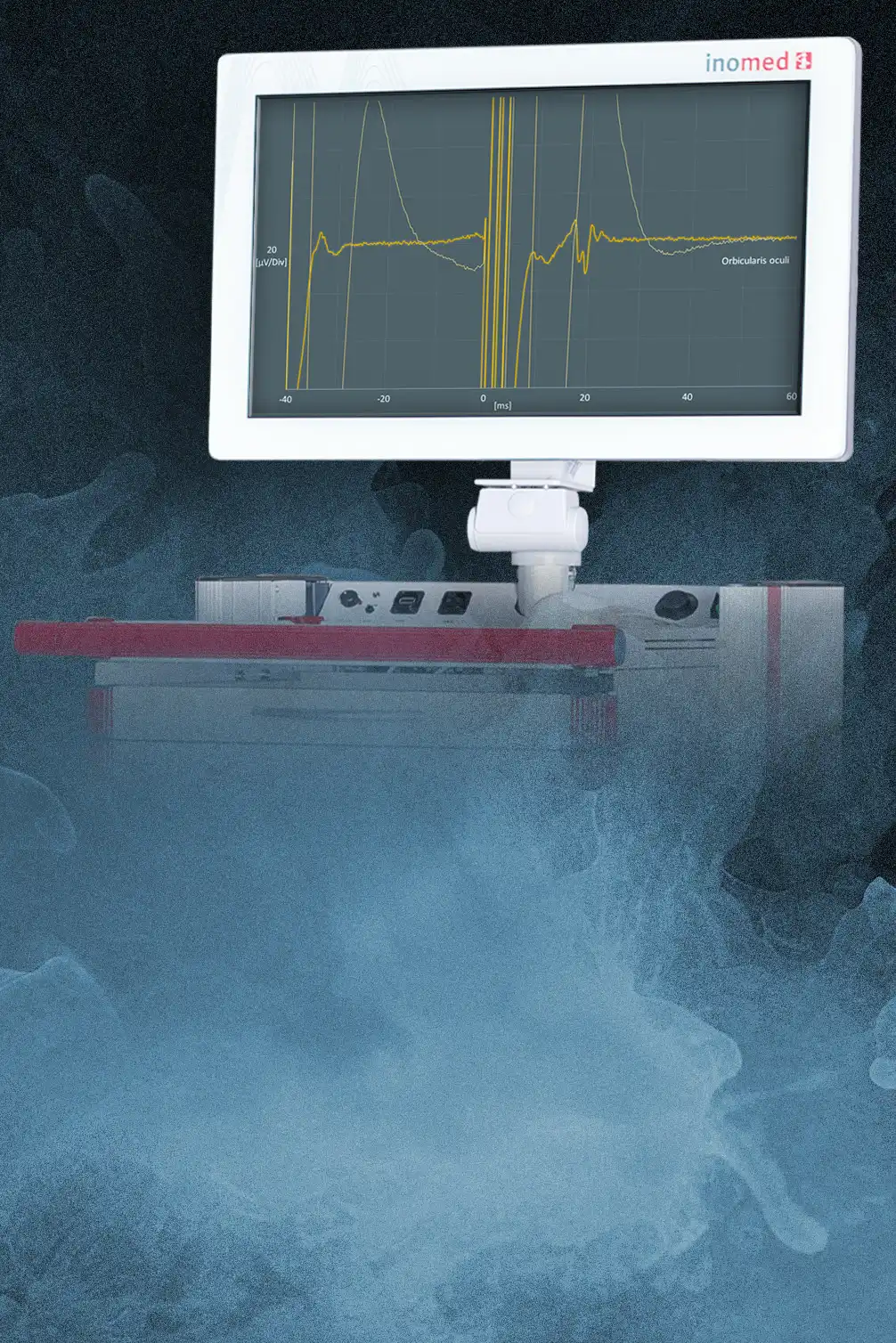
Whether D-wave or corticobulbar MEPs: less superimposition due to active stimulation artifact suppression makes it easier to interpret the signals.
Stimulation artifact suppression also allows signals with short latency and low amplitude to be displayed.
Detailed analysis
Detailed analysis
Data export
The export of data in various common formats, including XLSX, CSV and EDF, enables flexible further processing and analysis of the data with different software solutions. The export thus ensures easy integration of the data into existing analysis processes.
The data collected can be exported in a variety of formats, such as XLSX, CSV and EDF, for further analysis.

Relevant procedures

At a glance

504400
Software DataSync
For storing and accessing neuromonitoring data from multiple IOM systems via a central server
504401
Analysis Software
For viewing and analyzing neurophysiological measurements on a PC
504402
Software EMG
For recording free-running and triggered elecromyography measurements (EMG)
504403
Software Channel Select
For selecting the best EMG signal when using the ALM Tube or Laryngeal Electrode Select
504404
Software AEP
For recording auditory evoked potentials (AEP)
504406
Software SEP
For recording somatosensory evoked potentials (SEP)
504407
Software TOF
For performing an automated train-of-four measurement for muscle relaxation measurement
504408
Software MEP
For recording motor evoked potentials (MEP)
504409
Software Spine
For automated pedicle stimulation using triggered EMG
504410
Software VEP
For recording visual evoked potentials (VEP)
504414
Software EEG
For recording an electroencephalogram (EEG) or an electrocorticogram (ECoG), for software version 6 and 7
504415
Software Screen2Video
For recording a desktop video of the NeuroExplorer application, e.g. for documentation and training purposes
504418
Software Multi-channel Video
For displaying up to four video sources on the measurement screen, including recording function
504423
Software Scalp-EEG
For recording an electroencephalogram (EEG) as a raw signal and spectral analysis (CSA/DSA), for software version 8
504424
Software ECoG
For recording an electroencephalogram (EEG) or an electrocorticogram (ECoG)

FAQ

As a user, do I have to create my own measurement scenario or measurement protocol?

No. Each system has already more than 40 standard scenarios preinstalled for different application fields.

How do I activate the active stimulation artifact suppression?

Open the setup window in the MEP window and activate the active stimulation artifact suppression under Stimulator Settings.

Further information

* For further information on the local availability of NeuroExplorer 8, please contact your sales partner or fill out the contact form.

Enjoy a wide range of benefits

Register now!

Was this page helpful?
Yes
No